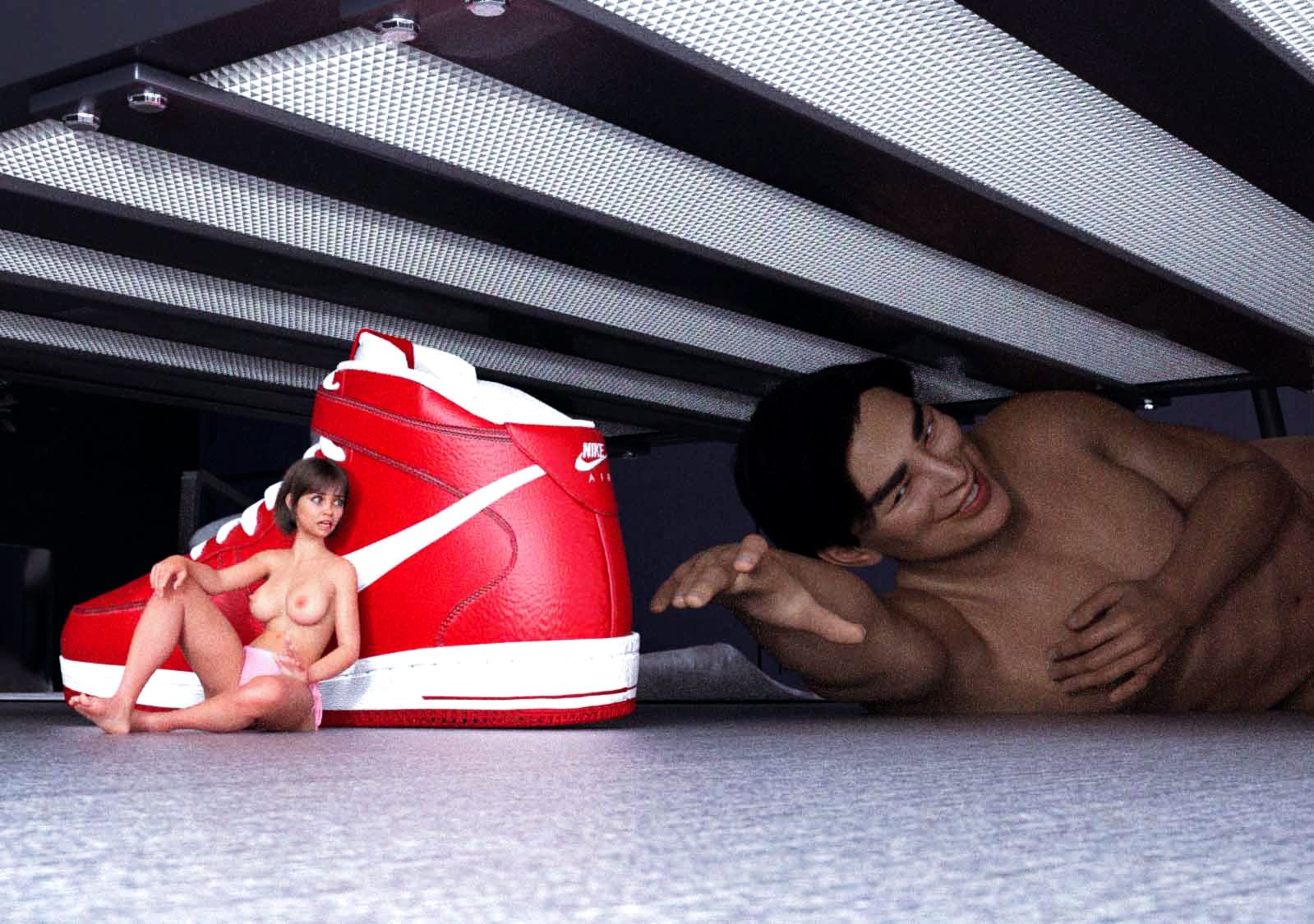
Hide and Seek
-
@SmolChlo I’ll add to this, cause there’s fun props around that do offer a good sense of how small you are if you stand by them. Like, there’s a phone on the bed.
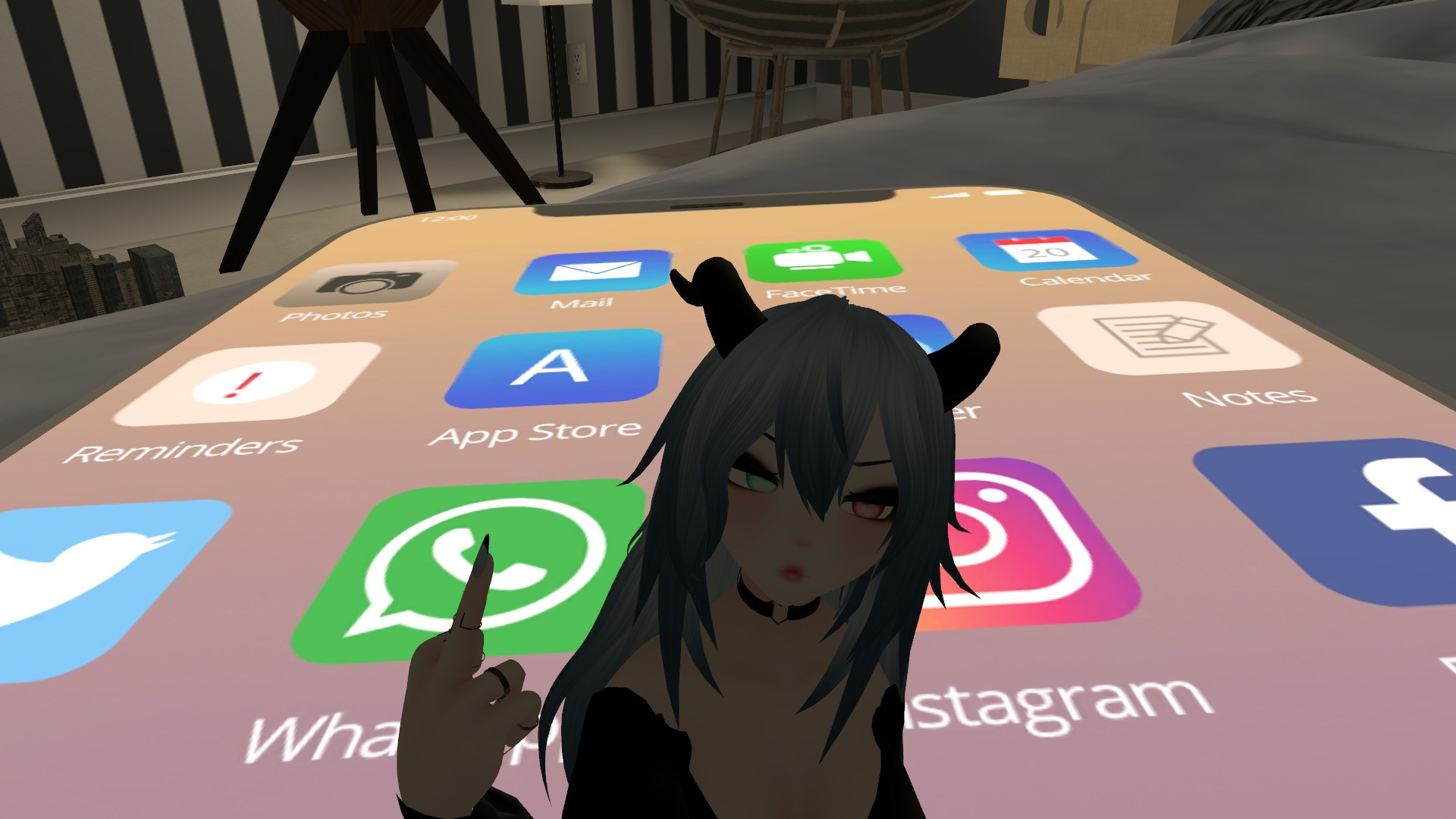
Also, found where the video functions are hehe I can make you a demonstration next time I have a second. -
@SmolChlo “Club Penguin” lol now that is a name I haven’t heard in a loooong time.
To further answer your question, some people like to use furry avatars, others like semi-human beasts, some like plain old humanoid avatars. Custom avi are a lot of work but I’ve seen incredibly talented people create stuff like dragonborns or almost actual dragons, giant snakes, etc. No limits really. I chose to get a plain looking avatar but I’m thinking of getting a good looking one commissioned at some point.
There are rooms which are purely for hanging out, chat, listen to music, watching videos/movies, etc. There are some worlds with fun little quests/puzzles and interactions. Outside of VRChat there are also other virtual worlds but none as popular right now. Also since VRC added avatar scaling (ie. shrinking/growing) it has become very easy to create sizey worlds with that in mind. They added stuff like collision so that we can hold tinies without them “falling” through giant hands or bodies. They added climbing too, so that tinies can “explore” giants. Oh and while the soundscape isn’t exploited to all its sizey potential IMHO, the spatial 3D audio is delightful… having a SW moving around my head from one shoulder to the other sent ASMR-like tingles to my brain

The only thing is that in VRC, the most advanced worlds (those with proper physics) require the use of a PC. The PC will use its GPU and CPU to render the world, basically streaming the info to your headset. Otherwise you can still access some sizey worlds in “standalone” / Quest mode (ie. with the headset alone), but it’s a bit more limited.
Alsoooo, I’ve heard it can be quite jarring at first to be picked up when tiny, hehe… I’ve literaly heard (‘squeeeee’) it, I mean

-
@foreverlurk What kind of “headset” does this need?
-
-
@foreverlurk I used to play Club Penguin but Toon Town had my heart… I had so many jellybeans I was a frickin millionaire in that universe lol
I appreciate you breaking down the fascinating world of VR! I love that you guys are able to create different worlds based off of your preferences. And bless their hearts for incorporating a size feature. One day I’ll get me one of these gizmos and I’ll meet you all on the other side ~
-
@Olo There are many different models, some only work as “playback device” with a PC being the real brain behind the rendering. The Meta Quest (1/2/3) has a standalone mode that allows you to just put the headset on and jump in.
I only own a Quest 2 but it’s very good for it’s price point, and can be used both in standalone and PC mode. I can’t really vouch for the other models, tho.
-
I see. How does speech work? I don’t see a microphone spec.
@foreverlurk said:
some only work as “playback device” with a PC being the real brain behind the rendering
I would only use this on my PC. I try to do as little as possible with my phone.
All my M/f stories and discussions can be found here.
-
@Olo Stange, because there is a built-in microphone and spatial audio headphones. You don’t need anything on the audio side of things, everything is on the headset.
-






Hello! It looks like you're interested in this conversation, but you don't have an account yet.
Getting fed up of having to scroll through the same posts each visit? When you register for an account, you'll always come back to exactly where you were before, and choose to be notified of new replies (either via email, or push notification). You'll also be able to save bookmarks and upvote posts to show your appreciation to other community members.
With your input, this post could be even better 💗
Register Login